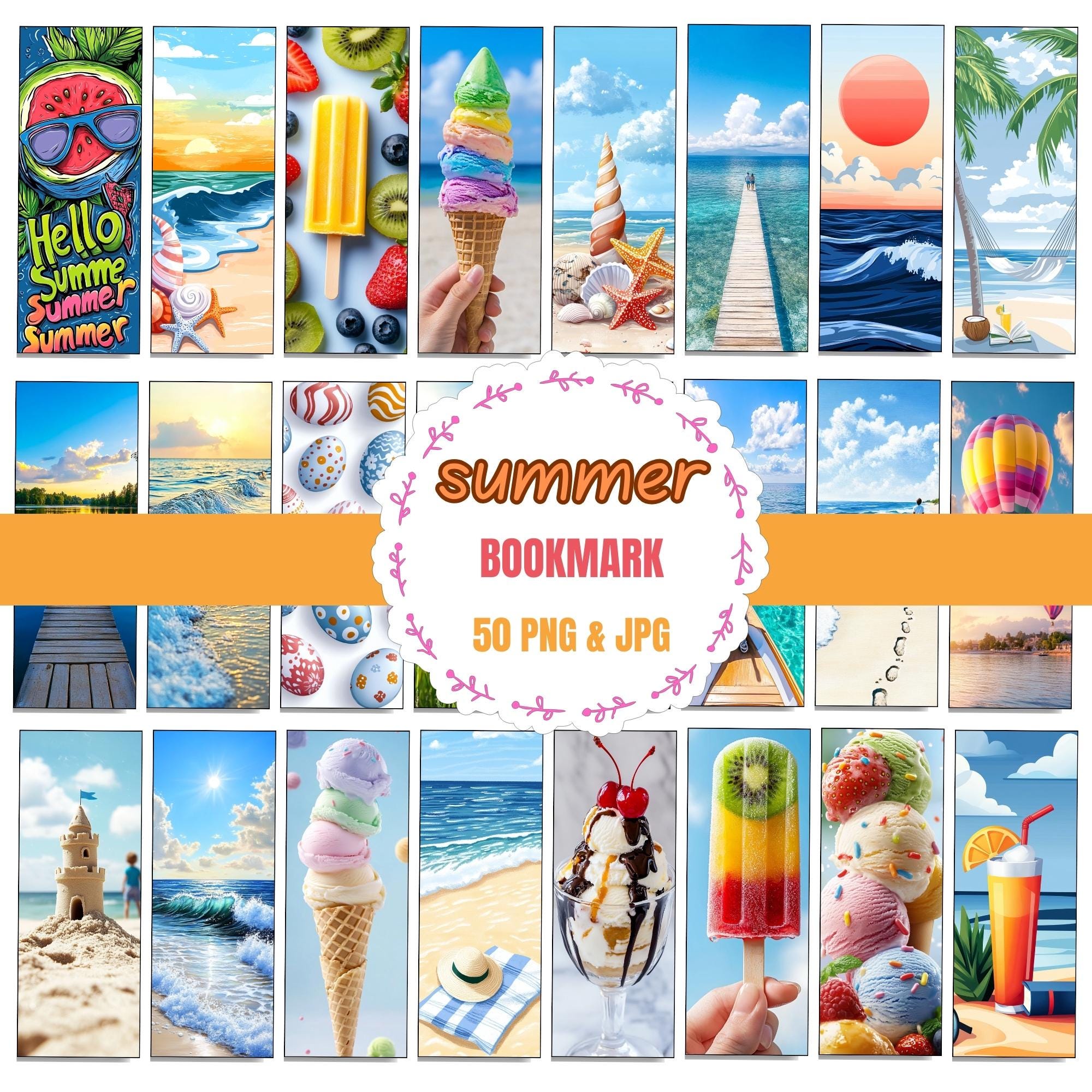
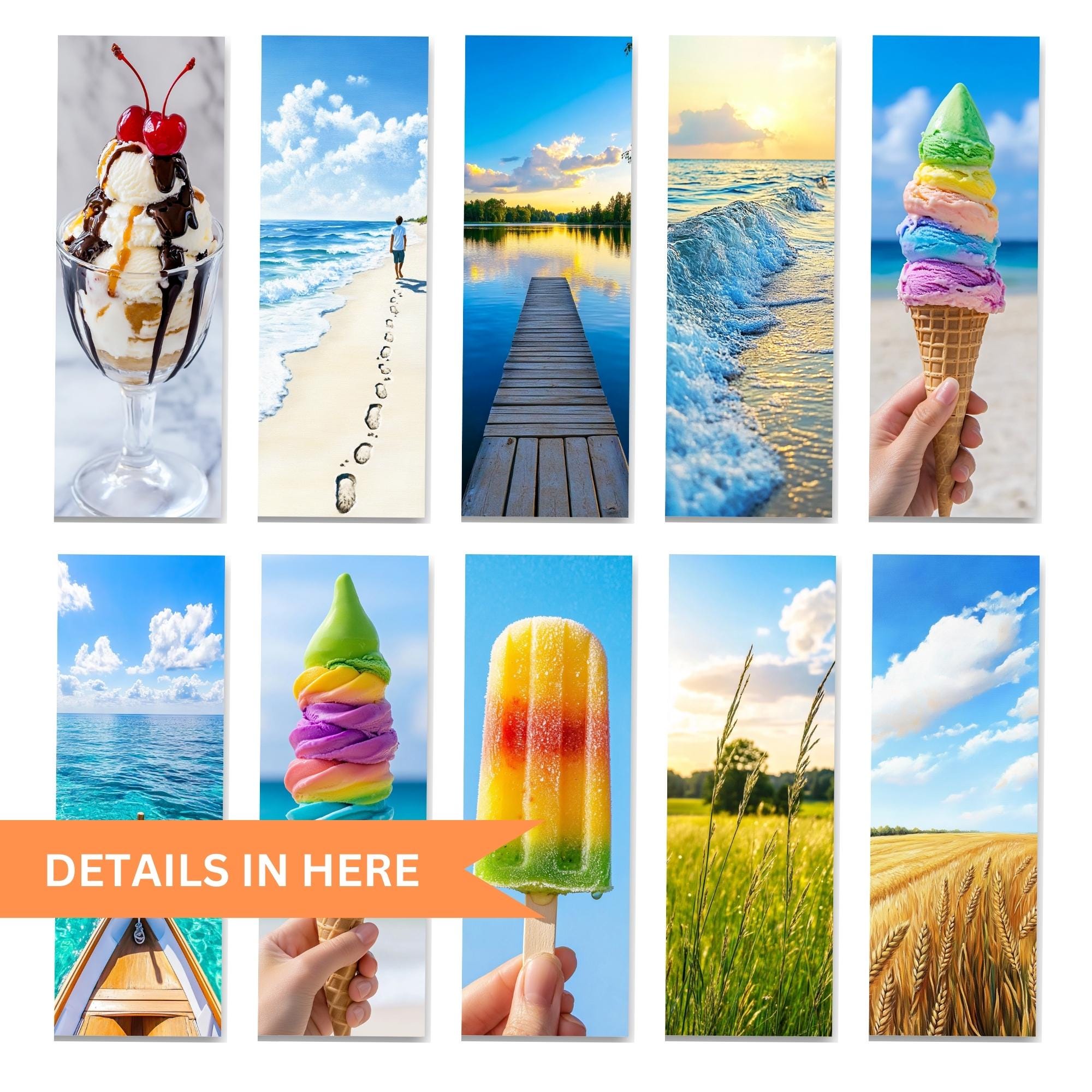
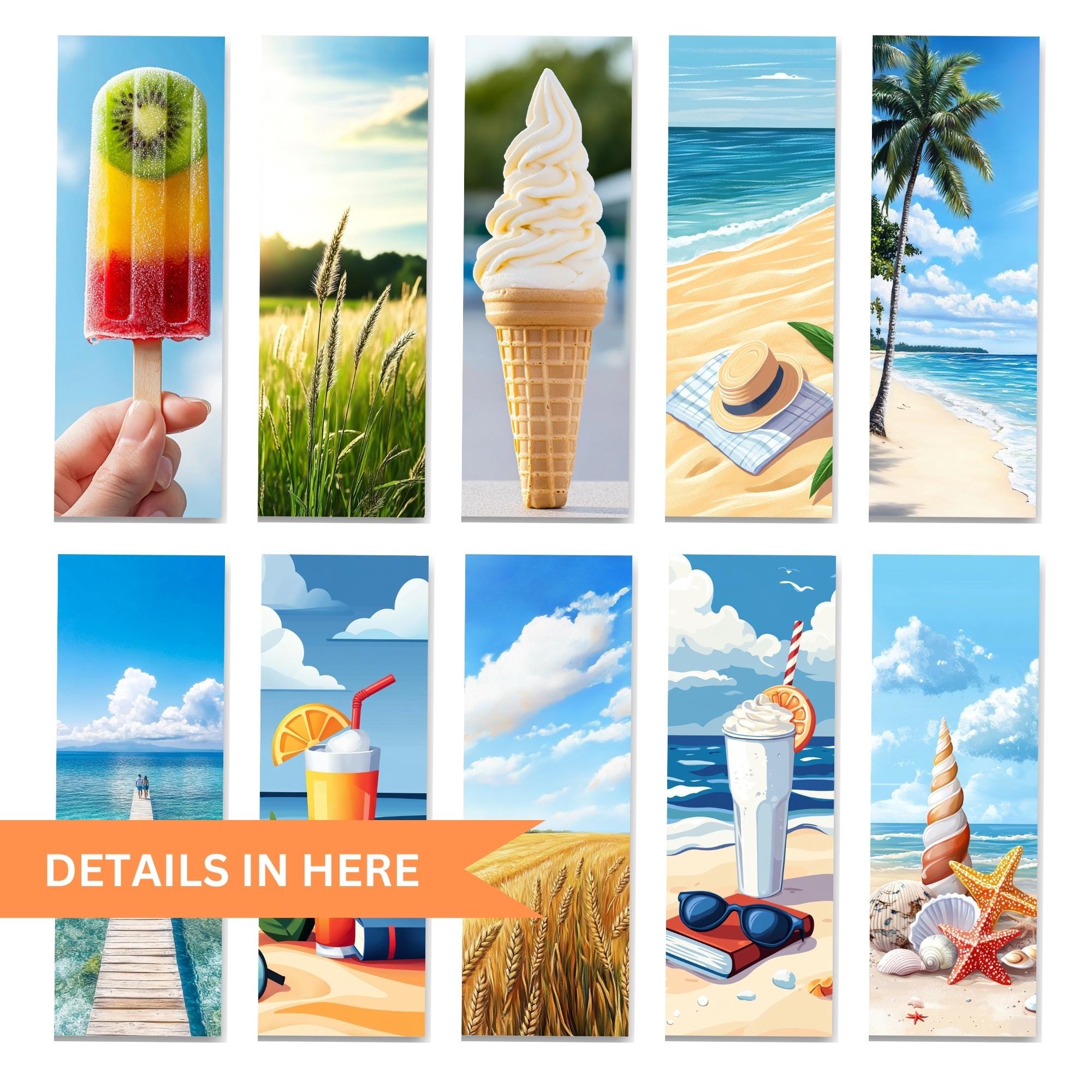
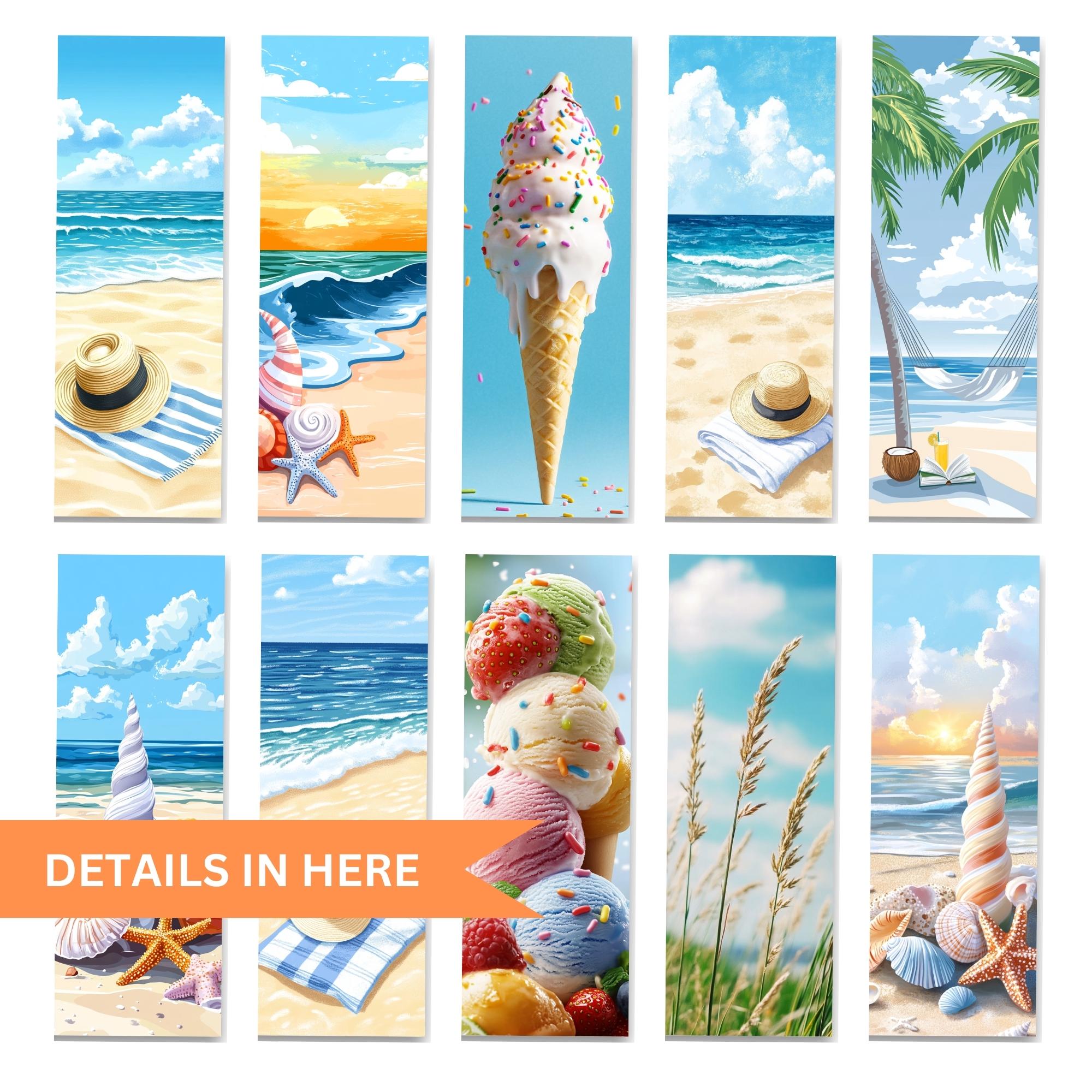
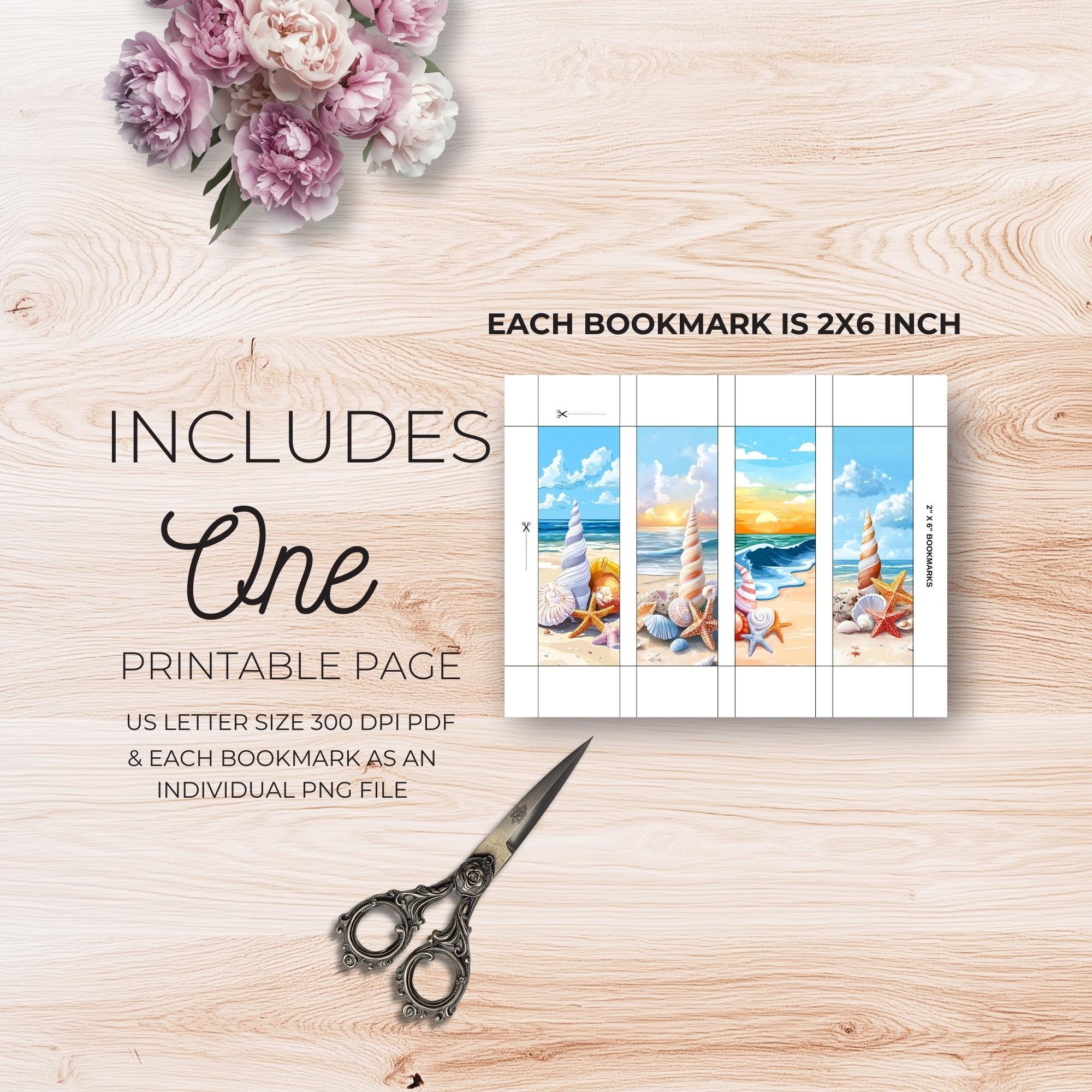

Summer Bookmark Digital Set Summer-Themed Bookmarks,Summer Bookmark PNG JPG for Printable & Scrapbooking
$3.49 $6.99
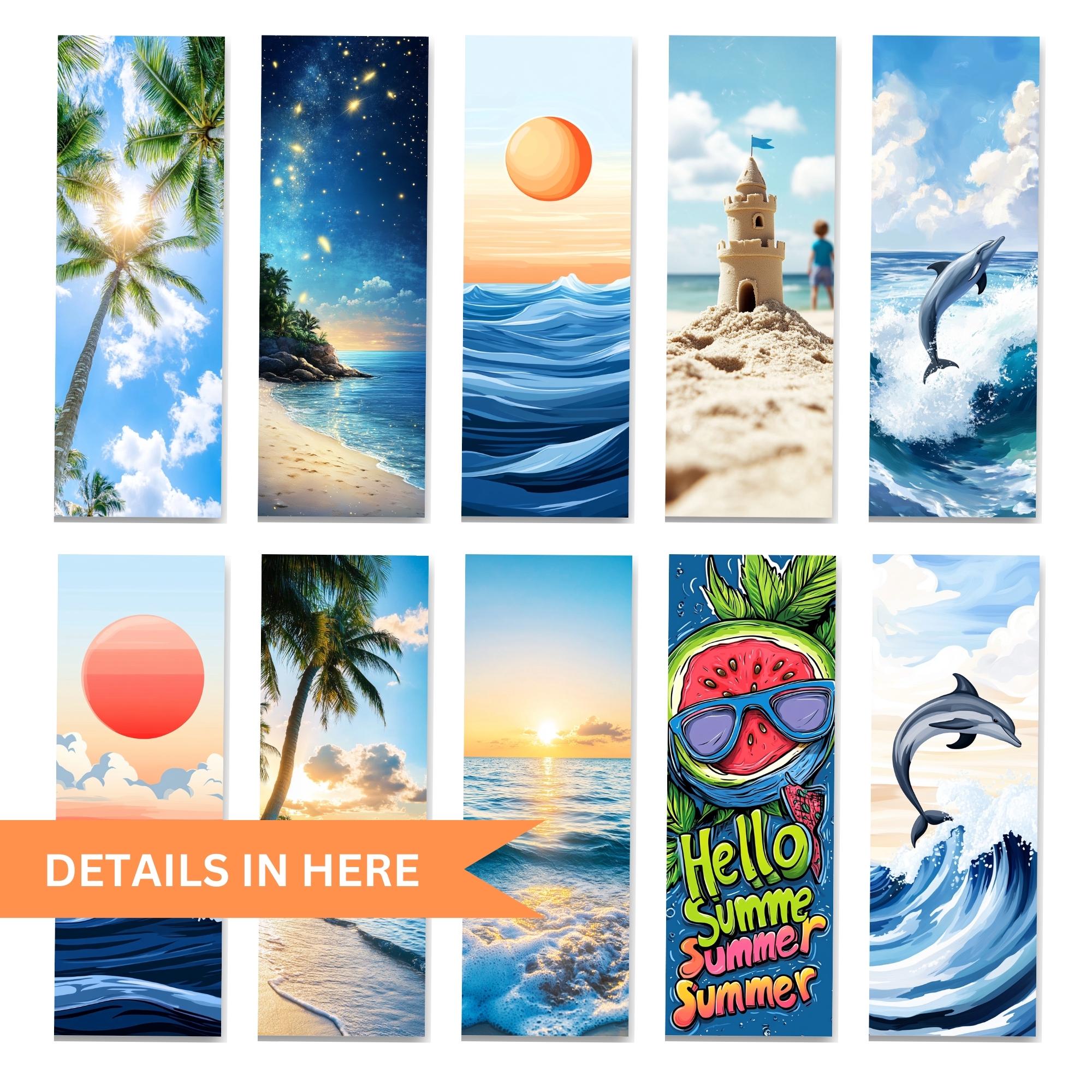
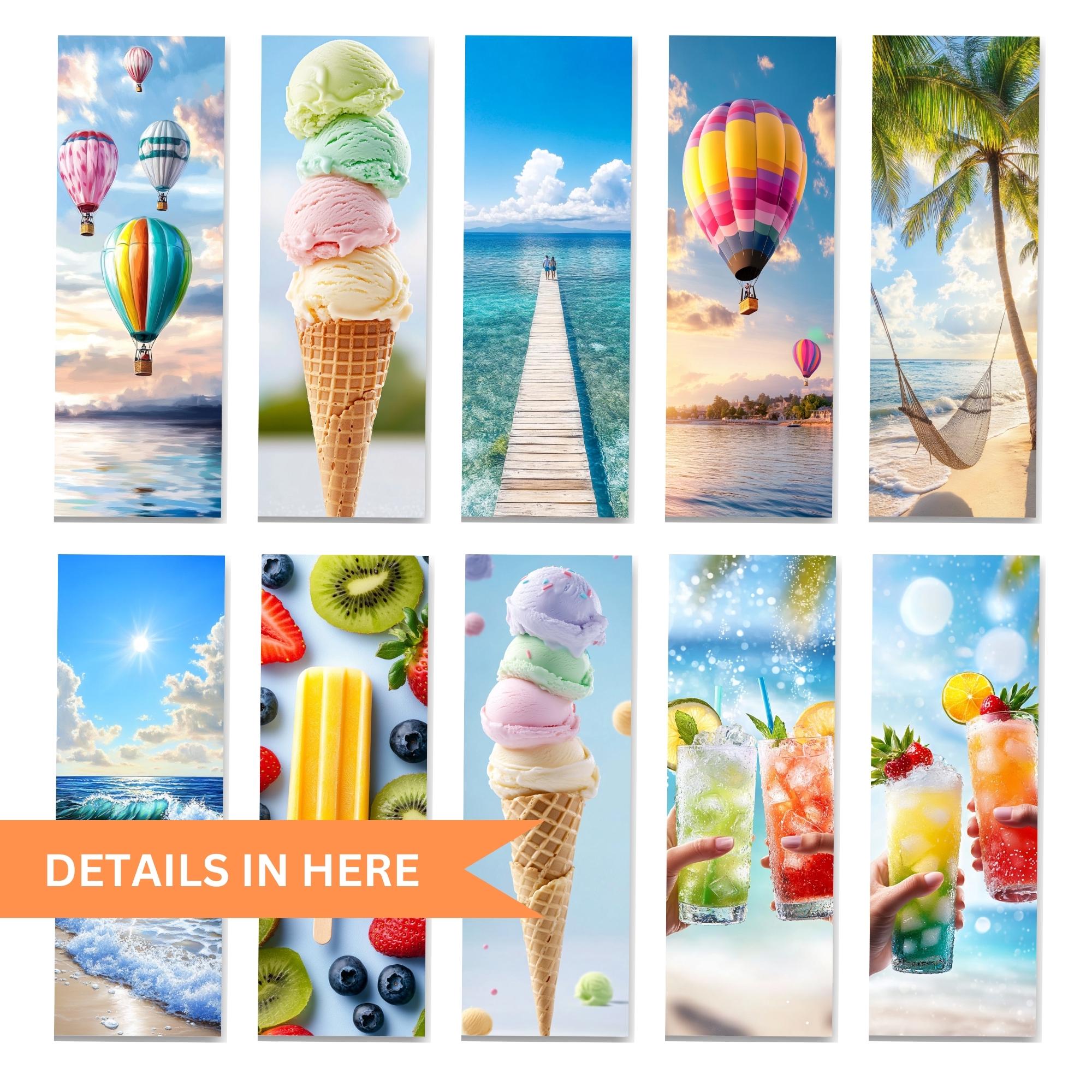
🌞 Summer Bookmark Digital Set | 50 Beach, Ocean & Ice Cream-Themed Bookmarks | Instant Download 📖
Bring the joy of summer to your reading sessions with these 50 high-quality summer-themed digital bookmarks! Featuring beautiful beach landscapes, refreshing ice cream treats, and tropical ocean waves, these bookmarks are perfect for book lovers, students, and journal enthusiasts.
Beach Aesthetic Bookmark, Ice Cream Bookmark, Ocean Theme Bookmark
Tropical Digital Bookmark, Cute Summer Printable, Watercolor Bookmark Set
✨ WHAT’S INCLUDED?
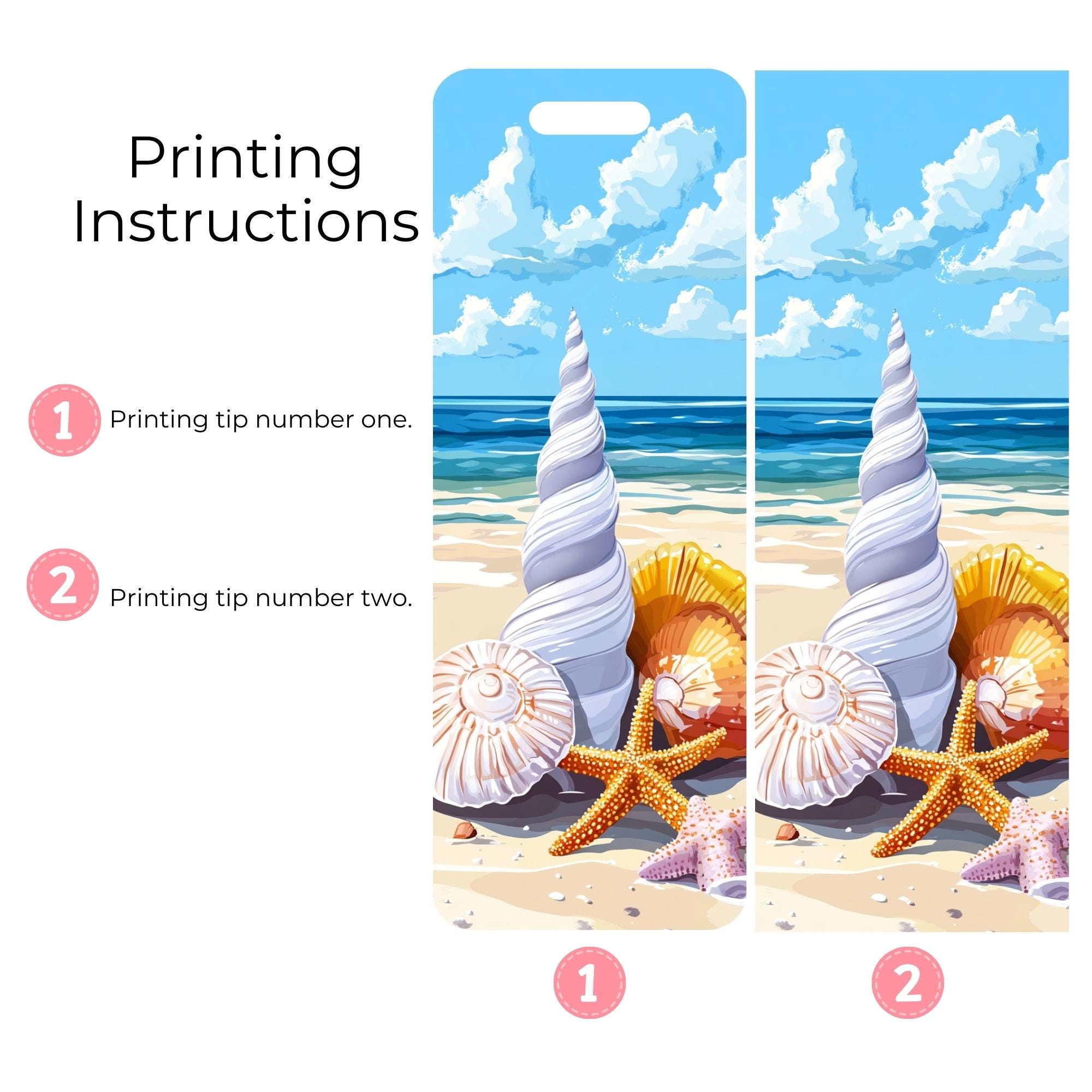
✔ 50 High-Resolution Digital Bookmarks (PNG & JPG formats)
✔ Summer Aesthetic Designs – Beach, Ice Cream, Ocean & Sunset
✔ Printable at 300 DPI for Crisp Quality
✔ Instant Download – No Physical Item Will Be Shipped
💖 PERFECT FOR:
✔ Book Lovers & Reading Enthusiasts
✔ Digital & Printable Scrapbooking
✔ Bullet Journals & Planner Decor
✔ DIY Crafting & Party Favors
📩 HOW TO DOWNLOAD:
Once purchased, you will receive a direct Etsy instant download link to access your files immediately.
✅ In Microsoft Word or PowerPoint:
Set Up the Page:
Paper size = A4 (8.27" x 11.69")
Orientation = Portrait or Landscape
Insert PNG Files:
Go to Insert > Pictures > Select PNG files
Resize each image to 2 x 6 inches or similar
You can fit 3 bookmarks per row, and 2–3 rows per page
Align and Space Evenly:
Use grid or guides to space them evenly
Leave a small gap (0.25 inch) between each for cutting
Export as PDF (Optional but better):
Go to File > Save As > PDF for best print quality
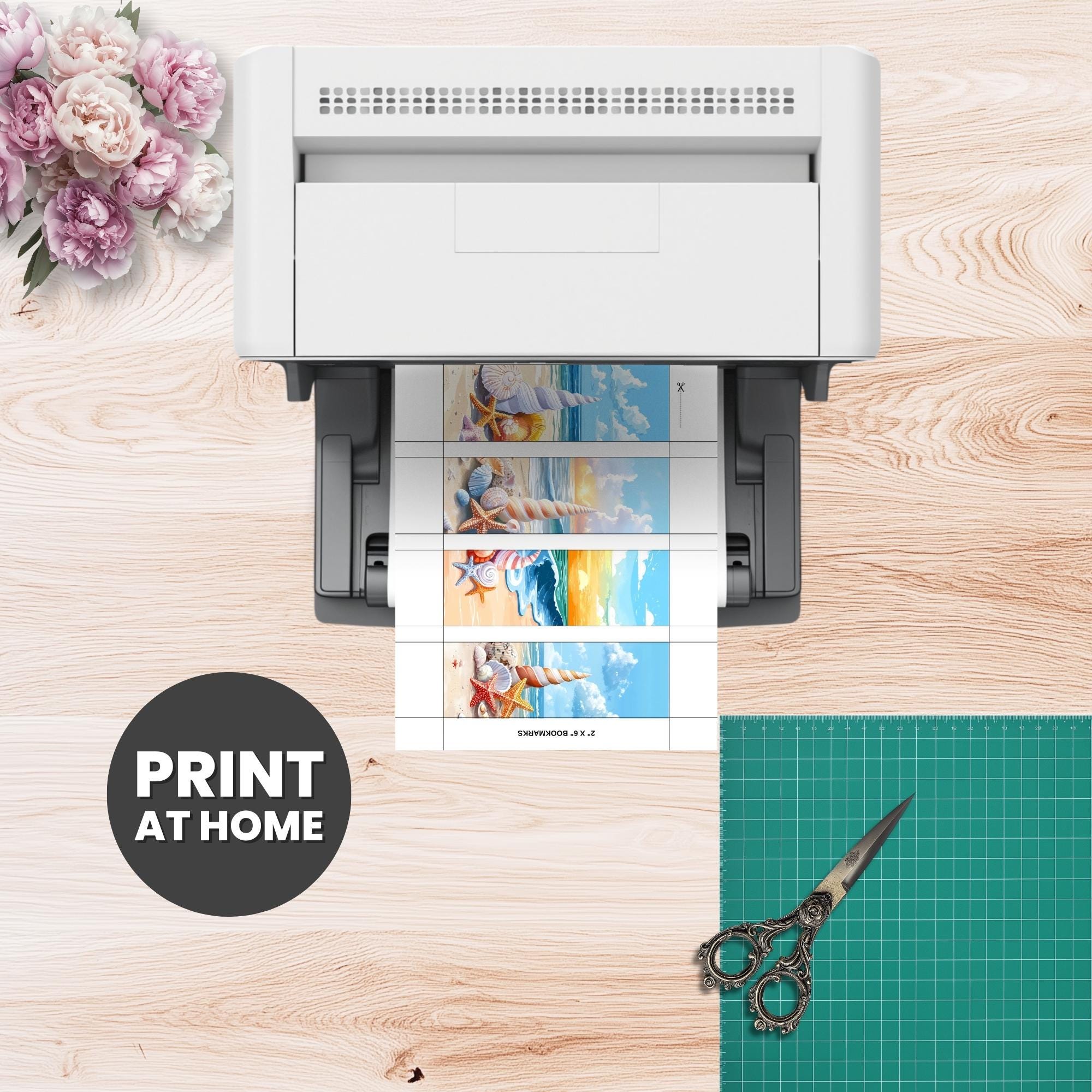
Print:
Use cardstock (200–300gsm) for strong bookmarks
Choose "Actual Size" or 100% scale in print settings
Cut:
Use a cutter or scissors carefully along the edge
----------------------------------------------------------
**Steps (Using Microsoft Word or PowerPoint – Easy Method):
Open a New Document
Set paper size to A4 (8.27 x 11.69 inches) or US Letter (8.5 x 11 inches).
Insert JPEGs
Go to Insert → Picture → Select your JPEG file(s).
Resize each image to 2 inches wide x 6 inches tall (or your chosen size).
Position them side by side or in rows (usually 3–4 bookmarks fit on one A4).
Add Margin or Bleed (Optional but Recommended)
Leave a bit of space between bookmarks (at least 0.25 inch) for cutting.
If your image already includes a bleed area, you're good to go.
Print Settings
Use High Quality.
Set paper type to Cardstock or Heavy Paper if available.
Choose "Actual size" or 100% scale (no scaling or fit-to-page).
Print
Use a home printer with thick paper, or export as PDF and send to a print shop.
Cut the Bookmarks
Use a cutter, ruler & blade, or visit a local print shop for clean cuts.
Optional: Use laminating film or corner rounder for a professional finish.
📢 THANK YOU FOR SUPPORTING MysticBrush Studio!